Create video from a prompt
Describe the subject, scene and camera direction to turn words into a complete moving story.
Start creating ZlipAIAI VIDEO STUDIO
Describe a scene or upload a photo. ZlipAI helps you create and save AI videos quickly, so every idea gets the chance to be seen.
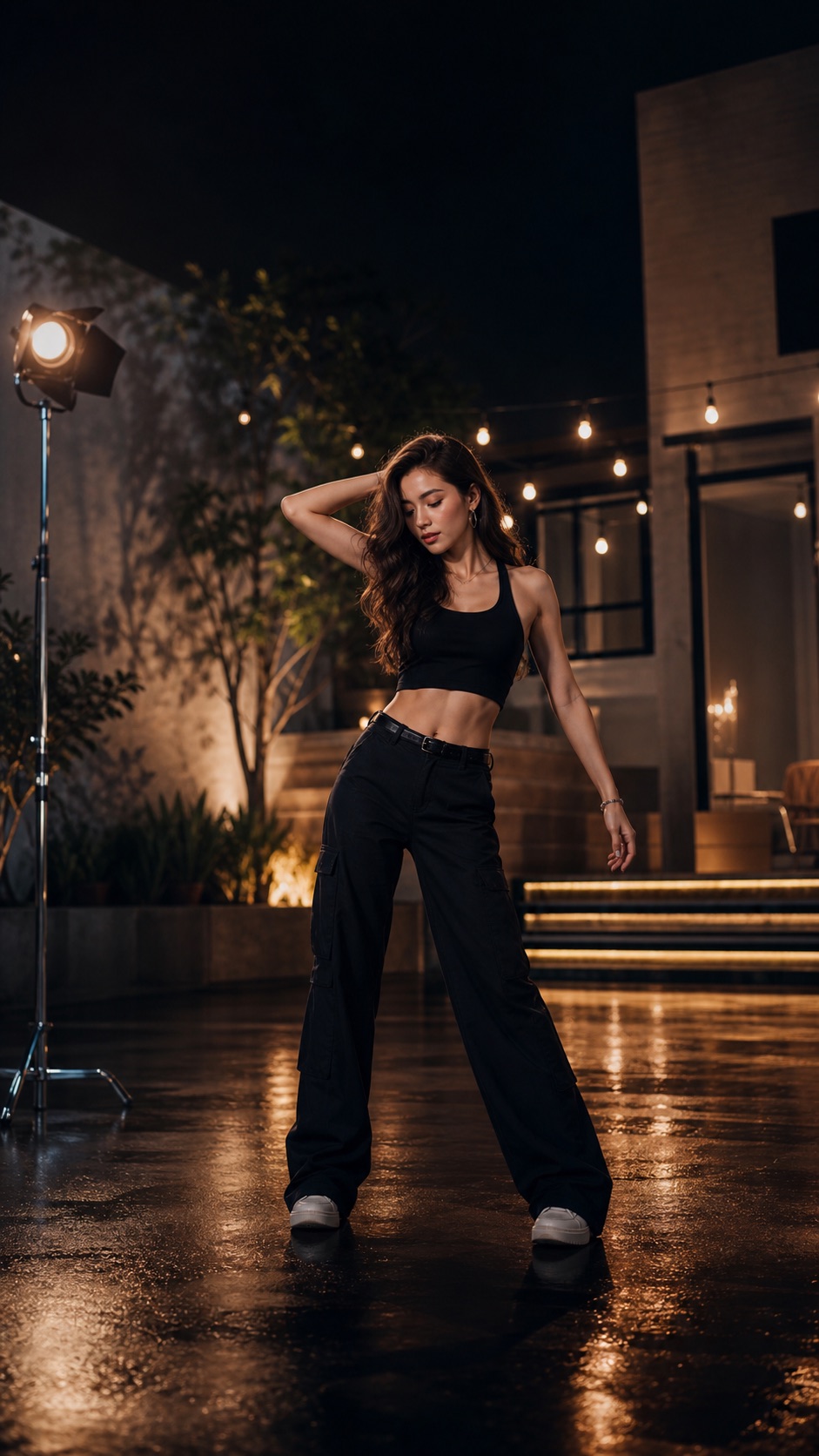
A cinematic studio at night, dramatic lighting, slow camera push-in…
Start with a single prompt or shape the result with multiple references.
Describe the subject, scene and camera direction to turn words into a complete moving story.
Start creatingUpload an image and add natural motion, rhythm and energy to a still subject or scene.
Start creatingUse reference footage to communicate motion and camera direction with greater clarity.
Start creatingUse start and end frames or multiple images to control transitions and visual consistency.
Start creatingChoose your media, describe the idea and set the frame. The workflow stays clear so your imagination can keep moving.
Start quickly from an inspiring template, or build entirely from your own description.
Combine text, images, video references and multiple frames around your creative goal.
Generation history is saved automatically, ready to preview and download when complete.
Write your idea, or upload images, video and multi-frame references.
Select a creation mode, aspect ratio and template that fit your goal.
Follow progress in your library, preview the result and save it locally.
Open ZlipAI and turn the scene in your mind into today’s creation.